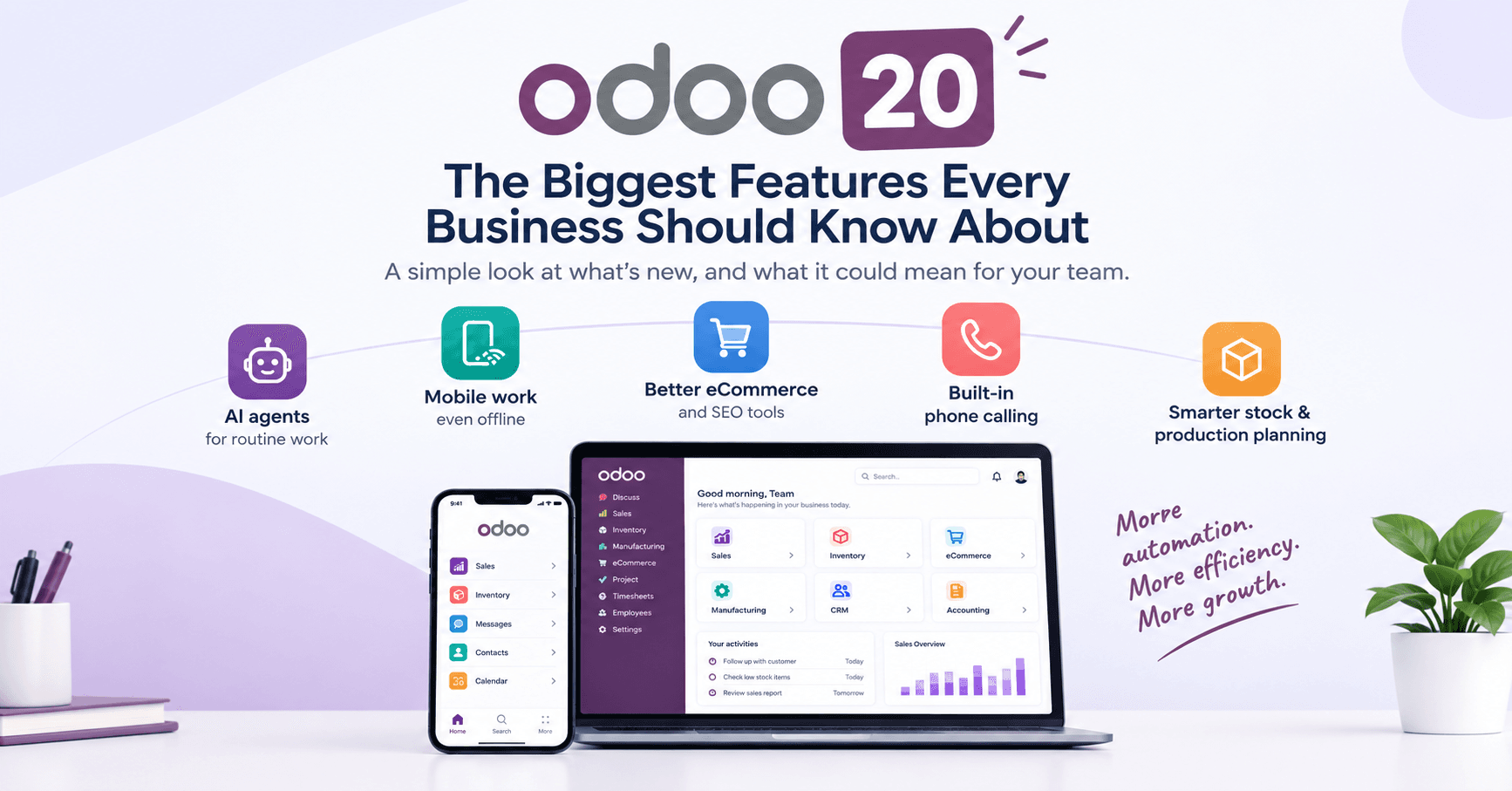
Odoo 20 Is Here: The Biggest Features Every Business Should Know About
By Sygmetiv Odoo Team
What are the biggest new features in Odoo 20? Odoo 20 brings AI agents for routine tasks, a faster interface with offline mobile work, better eCommerce and SEO tools, built-in phone calling, and smarter stock and production planning.
Odoo 20 was launched this week, and many business owners are asking the same thing: "What is actually new, and does it matter to me?"
We read through the official release notes so you don't have to. Below are the changes we think matter most, explained the way we would explain them to a friend who runs a shop or a small factory.
1. AI agents that do the boring work
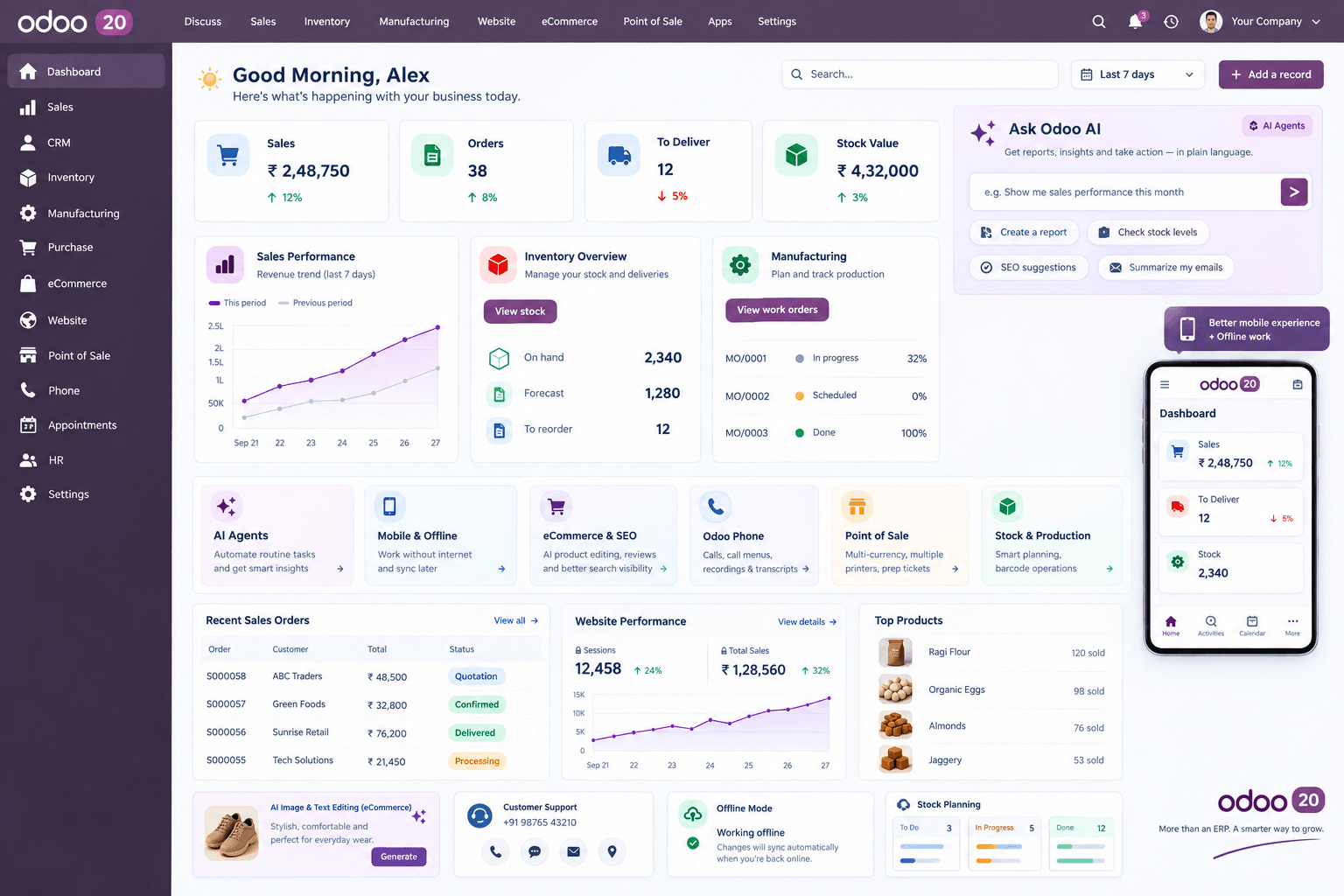
Think of an AI agent as a helper that never gets tired. In Odoo 20, agents can sort helpdesk tickets by priority, follow up on orders and send stock alerts. They can also check your website's SEO and look through your documents.
You can also ask for a report in plain language. Type a question and Odoo gives you a table, a graph or a live dashboard. Odoo 20 also supports MCP, which is a way to connect outside AI tools to your Odoo data.
Why it matters: your team spends less time on copy-paste work and more time on real decisions.
2. A faster, cleaner everyday experience
Small changes add up when you use software all day. Here are a few from the release notes:
- Activities can be assigned to a person or to a role
- You can drag and drop many records at once in list and kanban views
- Favourite searches now remember which columns you had open
- You can add CC recipients when sending an email from Odoo
- Chatter can be filtered to show only conversations or only tracked changes
- Attachments can be downloaded in bulk
None of these sounds huge alone. Together, they save minutes every day for every user.
3. Better mobile work, even without internet
On mobile you can swipe down on the dashboard to open the command palette. The date picker opens at the bottom of the screen, forms are easier to use on touchscreens, and there is a new mobile login screen.
The bigger news is offline work. Odoo 20 lets you create, edit, archive and delete records without a connection. When the internet returns, everything syncs.
Why it matters: think of warehouse staff, delivery teams and sales people who visit clients in places with weak signal.
4. eCommerce and website: smarter selling
If you sell online, this section is for you. The release notes list:
- AI help to edit product images and product text right from the Shop page
- Automatic cross-sell suggestions, such as accessories and alternatives
- Automatic review-request emails after an order is confirmed
- Structured data on web pages by default, which helps Google show rich results
- Better sitemaps and adaptive image sizes, so pages load faster on phones
Odoo's launch coverage also mentions click and collect, where the customer picks up their order after the system checks the stock.
Explore more about eCommerce services
5. Point of Sale upgrades
For shops and restaurants, POS now supports multiple currencies at checkout, service fees, more than one printer per POS, and preparation tickets per product. Cashiers also get a warning when they pick an expired product.
6. Odoo Phone and better communication
Odoo 20 introduces Odoo Phone, a built-in calling tool. You can buy numbers, design call menus with drag and drop, and get call recordings and transcripts. Discuss also gains polls, meetings and WhatsApp.
7. Stock, purchase and manufacturing
Here Odoo 20 looks at real shop-floor problems:
- Minimum and maximum stock levels adjust to demand and supplier lead times
- AI can review your purchases, find chances to negotiate, and draft the email to the supplier
- You can compare two bills of materials
- Production can be planned on a kanban board by priority
- The shop floor can run fully on barcodes
8. Sales, appointments and HR
Sales gets editable prices for variants, a redesigned customer portal, and pricing rules by quantity unit. Appointments can sync several Google or Outlook calendars per user. In HR, AI helps write job descriptions, and you can see net and gross pay live while building a payslip.
A quick word on cost
Odoo has revised its pricing along with this release, and some features (like external API access) sit in the Custom plan. Always check the current price for your country on Odoo's pricing page before you plan a budget.
How Sygmetiv can help
Sygmetiv is an Odoo Silver Partner based in Kerala, India. We work with businesses in distribution, manufacturing and professional services. Here is what we can do for you:
- Demo and fit check: we show you which Odoo 20 features match your daily work, and which ones you can ignore for now
- Implementation: setting up Odoo the right way from the start, based on your process
- Customization: building only what you truly need, and using standard features where they already do the job
- Training: simple sessions so your team actually uses the new tools
- Support: someone to call when you are stuck
👉 See More About Our Services: odoo implementation, customization, training and support 👉 View Our Odoo Silver Partner Page: check our partner profile and client references
Conclusion
Odoo 20 is not just a new coat of paint. AI helpers, offline mobile work, better online selling and smarter stock tools all aim at one goal: less manual work for your team. You don't need every feature on day one. Pick the two or three that solve your biggest daily headaches and start there.
Want to see Odoo 20 running on your own business data? Talk to the Sygmetiv team and we will arrange a demo.