
Odoo for Startups in Kerala: A Simple Guide Anyone Can Follow
Imagine you run a small shop. You write sales in one notebook. You keep bills in another. You count the stock on a loose paper. One day you need to know how much money you made this month. You open all three, and you still can't tell. That's the problem Odoo tries to fix. Instead of three notebooks, you get one place. Below I'll go through the things people ask before they try it, in plain words.
What is Odoo, and why does it suit Kerala startups?
Odoo is business software. Your sales, bills, stock, staff and customers all live in the same
place. It's made of small apps, so you can begin with one or two and add others later. It
handles Indian GST too.
Picture a box of Lego. Every app is a block: one for invoices, one for customers, one for
stock, one for staff. You pick up only the blocks you need right now. Need more later?
Grab more.
Kerala is a good place for this idea, because no two businesses here look alike. A software
team in Technopark, a food unit near Thrissur and a shop in Kozhikode don't need the
same thing. Each one can build its own set.
But Lego only works if you know what you're making. So before you touch the software,
take an hour and write down how your business actually runs. Seriously, do this first. It
saves you a lot of headaches.
Can small startups use Odoo?
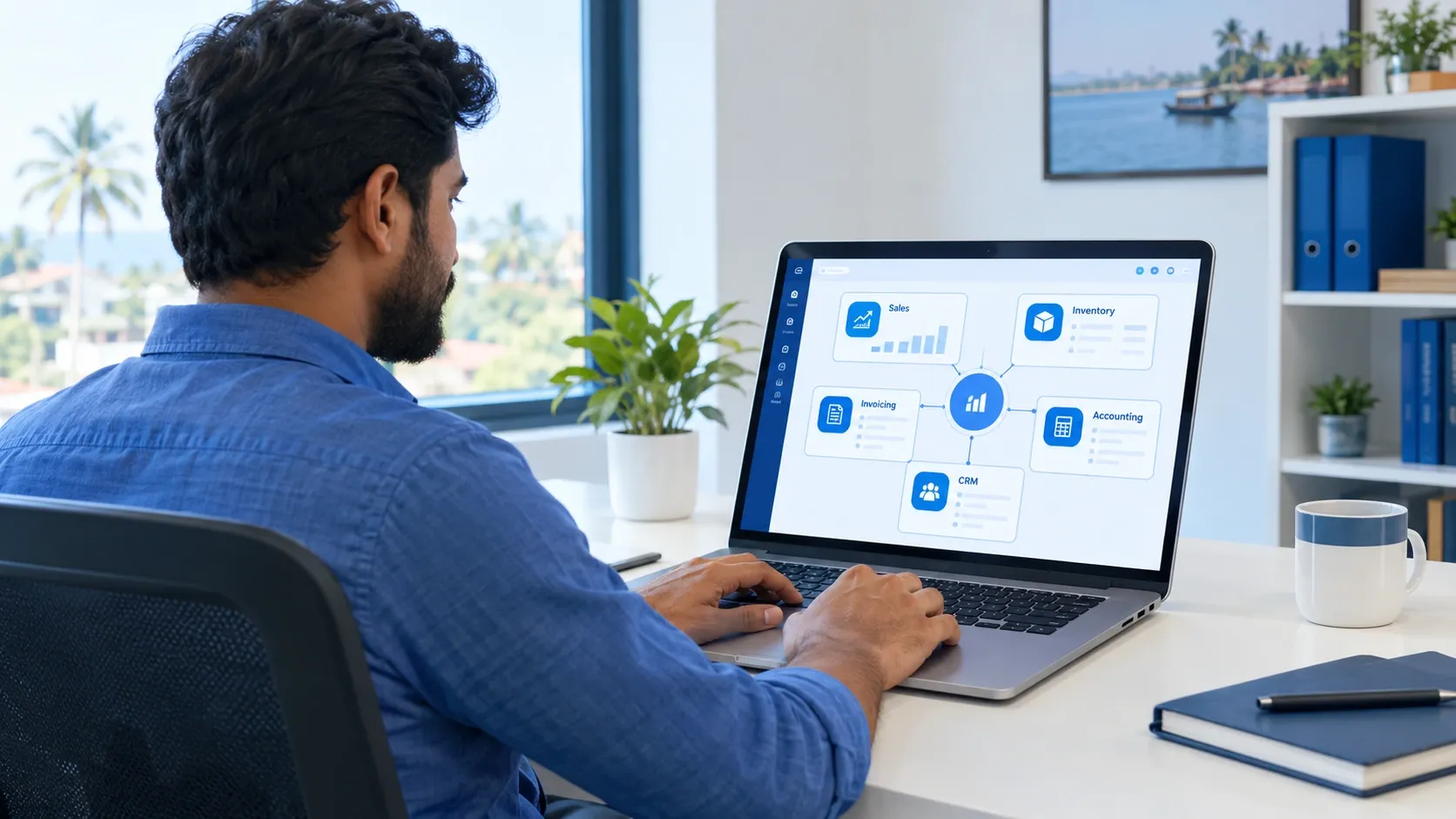
Yes. One-person businesses use it, and so do big companies. If you're small, start with one or two apps and leave the rest. I get why people worry that it's too big. There are loads of apps. But you don't take your whole toy box to school, do you? You take what you need today. Most small startups begin with just three things. Invoicing, so your GST bills look right. CRM, so you remember every customer and every promised follow-up. And Sales with Inventory, for quotes, deliveries and stock counts. That's plenty for the first six months. The usual mistakes are easy to dodge. Don't switch everything on at once. Don't start changing settings before you've tried the normal way. And please teach your team. If nobody knows how to use it, it's just an expensive closed box.
Is Odoo better than Zoho for small businesses?
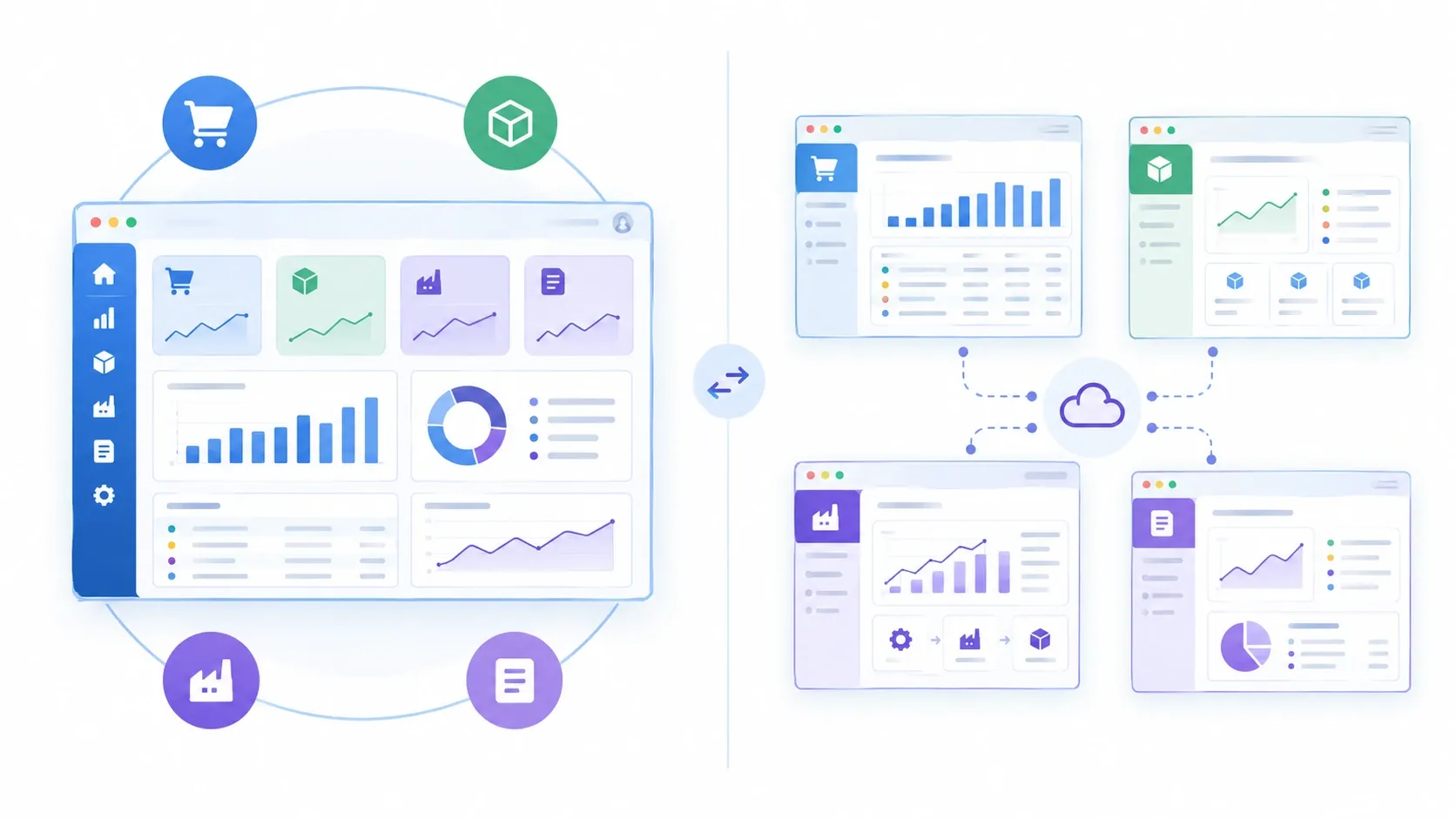
Not always. Zoho is faster to start, and you pay for each app separately. Odoo does better
when you want everything connected, especially if you deal with stock or make products.
Zoho is a solid product and plenty of Indian businesses like it. Think of it as a ready-made
toy set. Open the box, start playing. Odoo is the Lego box. It takes a bit longer, but you end
up with exactly what you wanted.
| Question | Odoo | Zoho |
|---|---|---|
| How is it built? | One big system where apps share the same information | Many separate products you link together |
| Easy to start? | A bit harder, setup help is useful | Easier if you need just one thing |
| Stock and making products? | Very good | Fine for simple stock |
| Can you change it a lot? | Yes, quite a lot | Some, within limits |
| Free version? | Yes, the Community edition | Free tiers for some apps; paid plans for others |
| Best for | Growing businesses that want everything connected | Teams that want simple tools quickly |
Prices keep changing, so look at the current price on both websites before you decide
So which one? If you only need bills and customer records, and you need them this week, Zoho is a great pick. If you have stock, a workshop or lots of steps between order and delivery, Odoo fits better. Still stuck? Try both free for a week with your real daily work. By Friday you'll know.
How do I choose the right Odoo version?
There are two choices to make. First the edition: Community (free) or Enterprise (paid). Then where it runs: Odoo Online, Odoo.sh, or your own server. For most startups, the newest stable version on Odoo's own hosting is the safest bet. Here's how the two editions compare
| Question | Community | Enterprise |
|---|---|---|
| Price | Free to use | Paid, per user |
| What you get | The main apps | The main apps, extras and official help |
| Good for | Small budgets and teams with a tech person | Businesses that want every feature and less worry |
The extras change now and then, so check Odoo's website for the current list. In India, also make sure GST features like e-invoicing and e-way bills are included. Now, where does it live? Think of a bicycle. Odoo Online is like the bike shop keeping it safe for you, which is the easiest way to start. Odoo.sh is also looked after by Odoo, but it suits teams who want custom changes. Your own server is the bike in your own shed. You control everything, but when it breaks, you fix it. Odoo also releases a new big version every year. Start with the newest stable one. You wouldn't buy a phone that's about to stop getting updates, and this is the same.
Does Odoo have mobile app support?
Yes. There are Odoo apps forAndroid and iPhone, and it also opens fine in your phone's browser. Parts like the shop counter and barcode scanning work really well on tablets.
This helps when your people aren't at a desk all day. A salesperson can save a new customer straight after a meeting. A manager can approve a purchase from home. Someone in the godown can scan items as stock arrives, and a small shop can bill customers from a tablet. Two quick tips. Try it on your team's real phones before you rely on it. And if you run Odoo on your own server, set up a proper HTTPS lock, or the app may refuse to connect.
How do I migrate from my current system to Odoo?
Migrating just means moving your old information into Odoo. Clean the data first, test with a few records, run both systems side by side for a bit, then switch over completely. It's like moving house. You don't haul broken stuff to the new place. You sort, pack carefully, and take what matters.
- Decide what to move. Customers, suppliers, products and opening balances matter. Very old records can sit in an archive.
- Clean up. Delete double entries and fix wrong GST numbers. That one hour saves you a day later.
- Match each column in your old file to a place in Odoo.
- Try a small test of 20 to 50 records and see if they look right.
- Ask your accountant to check stock, money to receive and money to pay.
- Teach your team before go-live, otherwise they'll drift back to Excel.
- Run both systems for a short while, then switch fully and watch the reports closely for two weeks. A few things to avoid. Don't move messy data and hope Odoo fixes it. Don't switch in the middle of a month. And keep a backup of your old system. If you're coming from Tally or Excel, a small business can often finish this in a few days with some help. Bigger setups take longer.
How do I get started with Odoo as a beginner?
Start a free trial, write down how your business works, and set up one app at a time using real information. Let one or two people learn it first. It doesn't need to be perfect on day one.
- Grab a paper and write how a customer finds you, orders, gets the goods and pays. That's your plan.
- Start a free trial on Odoo's website and pick only the apps you need.
- Add your company name, GST details, taxes and team.
- Enter ten real customers and ten real products, then push one real order all the way through.
- Let two or three people use it for a week. Note down everything that confuses them. That's your to-do list.
- If things get complicated, with GST problems, a factory, many branches or piles of old data, a local Odoo partner can save you months.
- Add apps slowly: invoicing and CRM, then stock, then buying, then staff. Going slow beats doing it all at once. Every time
What does a realistic first 90 days look like?
Most small businesses are fully running in about three months. Bigger setups need longer.
| Days | What happens |
|---|---|
| 1 to 15 | Write your plan, pick edition and hosting, start the free trial |
| 16 to 45 | Set up the main apps, clean and add your data |
| 46 to 60 | Test with a small team and teach everyone |
| 61 to 90 | Go live, run old and new together for a while, check the reports |
Frequently asked questions
Is Odoo free?
The Community edition is. Enterprise costs money for each user. Hosting and setup help cost extra either way.
Is Odoo good for GST billing in India?
Yes, it supports Indian GST. Just check whether things like e-invoicing and e-way bills come with your edition and version.
The bottom line
Odoo pays off when your business has lots of moving parts: stock, orders, staff and bills that all need to talk to each other. Start small, pick the newest stable version, clean your data before moving it, and add apps slowly. If your needs are really simple and you want to get going fast, Zoho is a good choice too. Picking the simpler tool is nothing to be embarrassed about. In the end, what you want is one place where everyone sees the same numbers. Thinking about Odoo for your startup? Have a short chat with an Odoo partner before you decide.